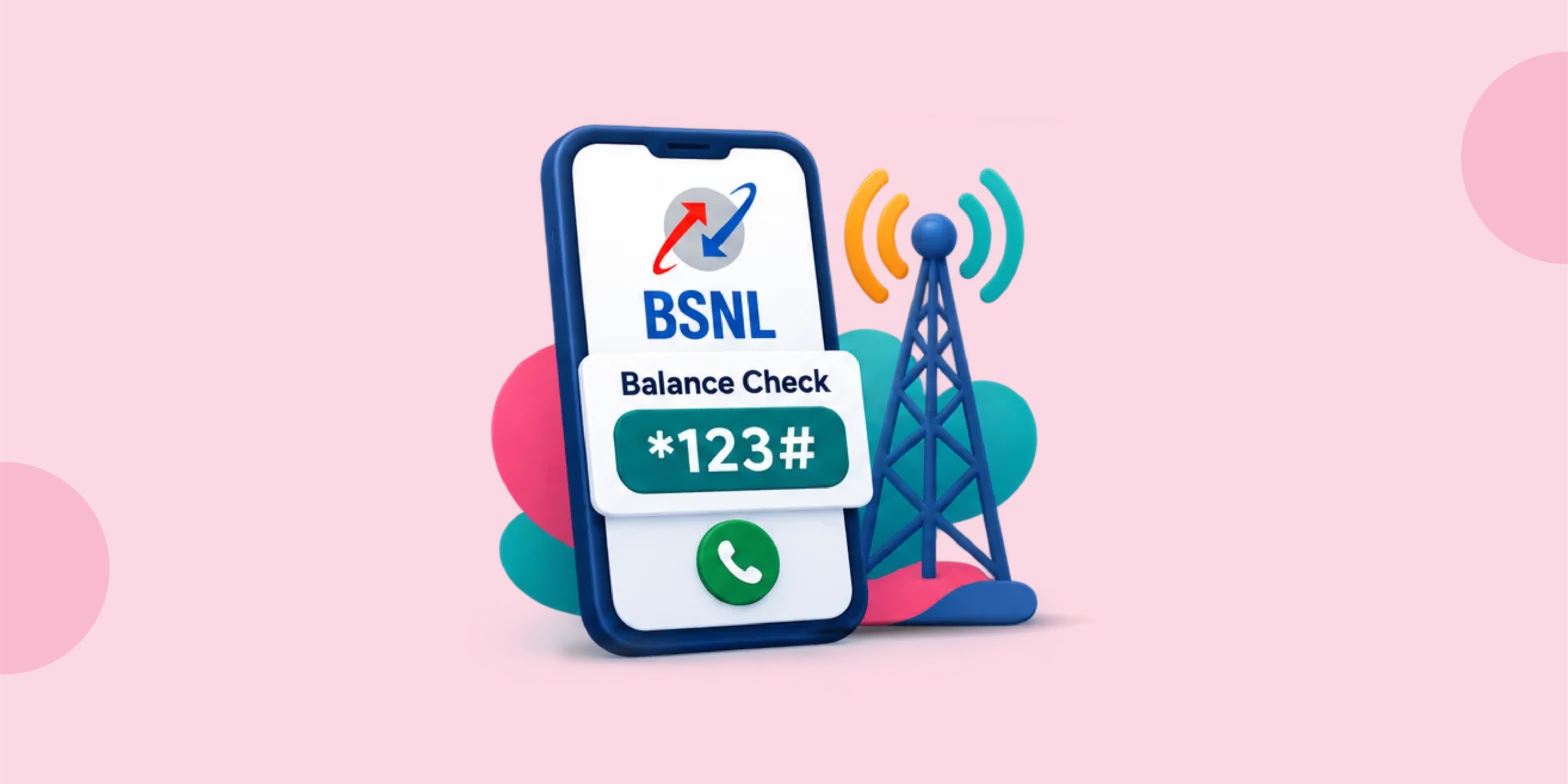
This guide covers every BSNL balance check number and BSNL balance enquiry number method available in 2026: USSD codes, SMS, the My BSNL app and the website, for prepaid and postpaid users. It takes about five minutes to read.
Running out of talk time or data mid-conversation is annoying and it usually happens at the worst possible moment. BSNL, India’s state-owned telecom operator, gives users several free ways to check their balance before that happens, whether you use a basic feature phone or a smartphone. There is a BSNL balance enquiry number or method that works without eating into your data or costing you a rupee.
Knowing your balance and validity in advance helps you avoid two common problems: getting cut off mid-call because your main balance ran out and losing an unused data pack because you missed its expiry date. According to TRAI’s telecom subscription data for June 2026, BSNL’s wireless subscriber base stood at roughly 93 million users nationally [RBI/TRAI, flag for review]. A quick, no-cost balance check genuinely matters at that scale.
QUICK STAT
BSNL’s wireless subscriber base stood at roughly 93 million users as of June 2026, per TRAI’s monthly telecom subscription report.
Source: TRAI, June 2026 [RBI/TRAI, flag for review]
Quick Ways to Check Your BSNL Balance
- Dial *123# from your BSNL number for your main prepaid balance and validity
- Dial *124# for your data balance
- Send a quick balance-check SMS where the SMS route is active in your circle
- Open the My BSNL App if you have an internet connection
- Call BSNL customer care on 1503 or 1800-180-1503 for postpaid queries or if a code fails
PRO TIP
Save *123# as a saved contact so you never have to type it again.
Step-by-Step: BSNL Balance Check Using USSD Codes
USSD codes remain the fastest BSNL balance check number method because they work without an internet connection and cost nothing. Here is how to use the bsnl main balance check code and its related codes properly.
Step 1: Check Your Main Balance
Open the phone dialler on your BSNL SIM, not a second SIM on a dual-SIM phone and type *123#, then press call. Your main balance and validity appear on screen within seconds. This is the standard bsnl plan check number method most users rely on daily.
Step 2: Check Your Data Balance
For data-specific balance, dial *124# instead. Some circles route this through *123*10#, so try the alternate code if the first does not respond.
Step 3: Check SMS and Other Pack Balances
For SMS balance and other pack details, follow the on-screen USSD menu after dialling *123#. Most circles list SMS balance as a sub-option rather than a separate code. If none of the codes respond within 30 seconds, it is usually a temporary network issue rather than a fault on your end, so wait a couple of minutes and try again.
| What You Want to Check | USSD Code | Works Without Internet |
|---|---|---|
| Main prepaid balance | *123# | Yes |
| Data balance | *124# | Yes |
| Special offers on your number | *121# | Yes |
| Registered mobile number | *222# | Yes |
Checking Your Balance via SMS
If USSD is not responding in your area, which happens occasionally during maintenance windows, SMS is the reliable backup. A BSNL balance enquiry number sent by text, typically BAL to 123 or 121 depending on your state, brings back your balance and validity within a minute or two and works on basic feature phones too.
WATCH OUT
SMS short codes differ by circle. Confirm yours with 1503 if the standard code does not respond.
Using the My BSNL App and Website
- Download the My BSNL App from the Play Store or App Store
- Log in using your registered mobile number and the OTP sent to it
- Open the dashboard to view main balance, data balance and validity together
- Alternatively, visit the BSNL selfcare website and log in the same way from a browser
Postpaid vs Prepaid Balance Checks
Postpaid BSNL users have a slightly different concern. Rather than a prepaid balance, you are tracking usage against your monthly bill limit. The same *123# code and the My BSNL App both show current usage and any applicable Fair Usage Policy caps. If a postpaid query returns incomplete data over USSD, the app or a call to 1503 gives the full billing breakdown instead.
Real-Life Examples
Ravi, a BSNL prepaid user in Ranchi, was about to leave for a two-day trip and wanted to confirm his data pack would last. He dialled *123# and saw he had ₹42 main balance and 3 days of validity left. Rather than guessing, he recharged an extra 1 GB pack for ₹19 before leaving home, avoiding a costlier mid-trip top-up.
Sunita, a postpaid BSNL customer in Lucknow, noticed her data usage felt higher than usual midway through the billing cycle. She opened the My BSNL App to check her usage against her Fair Usage Policy cap and found she had already crossed 80% of her monthly data limit, so she switched to lighter usage for the rest of the cycle to avoid an excess-usage charge.
Manoj runs a small provision store outside Jaipur and uses a basic feature phone on a BSNL prepaid connection. He dials *123# each morning before opening the shop, since customers often ask him to help with their own recharges and he needs to know his balance is sufficient to assist them.
Common Mistakes to Avoid
- Dialling the USSD code from a second SIM on a dual-SIM phone, which shows the wrong operator’s response or none at all
- Assuming the SMS short code is the same across every circle, since it genuinely varies by state
- Ignoring the validity date shown alongside the balance, then losing an unused data pack once it lapses
Tips to Stay on Top of Your Balance
- Set a monthly reminder to check validity, not just balance, so packs do not lapse unused
- Save *123# as a phone contact for one-tap access without typing it out every time
- Note down 1503 for situations the USSD code cannot resolve, particularly postpaid billing queries
FAQs On BSNL Balance Check Number
1. What is the USSD code to check BSNL main balance?
Dial *123# from your BSNL SIM to see your main balance and its validity instantly.
2. How do I check my BSNL data balance using a USSD code?
Dial *124# for data balance. If it does not work in your circle, try *123*10# instead.
3. What is the SMS code to check BSNL balance?
Send BAL by SMS to 123 or 121 depending on your circle for a quick BSNL sms balance check reply with your balance and validity.
4. What is the toll-free number to check BSNL balance?
Call 1503 or 1800-180-1503, BSNL’s toll-free customer care numbers and follow the automated prompts for your BSNL balance check number.
5. What is the BSNL balance check number for prepaid users?
Dial *123# from your BSNL SIM to see your main balance and its validity instantly, the same bsnl plan check number used across most circles.
6. Can postpaid users check their balance using the same USSD codes?
Postpaid users can use most of the same codes for bill and usage details, though the My BSNL App or 1503 gives a clearer breakdown of outstanding bill amounts.
7. Is there any charge for checking BSNL balance through USSD or SMS?
No, both USSD codes and balance-check SMS are free of cost.
8. My *123# code is not working. What should I do?
Restart your phone and confirm you are dialling from the BSNL SIM, not a second SIM. If it still fails, try a BSNL balance enquiry number by SMS or call 1503.
9. I recharged but my balance still shows the old amount. What’s wrong?
Recharges can take a few minutes to reflect. Wait 10 to 15 minutes and recheck with *123#, or contact 1503 with your transaction reference.
10. Can I check someone else’s BSNL number balance?
No, balance details are only accessible from the registered SIM itself for security reasons.